
Zero‑Drama Server & Website Migrations
Whether you’re moving to a new provider or upgrading your servers, we make it a smooth transition. We guide you end‑to‑end so nothing gets missed and your cutover is clean.
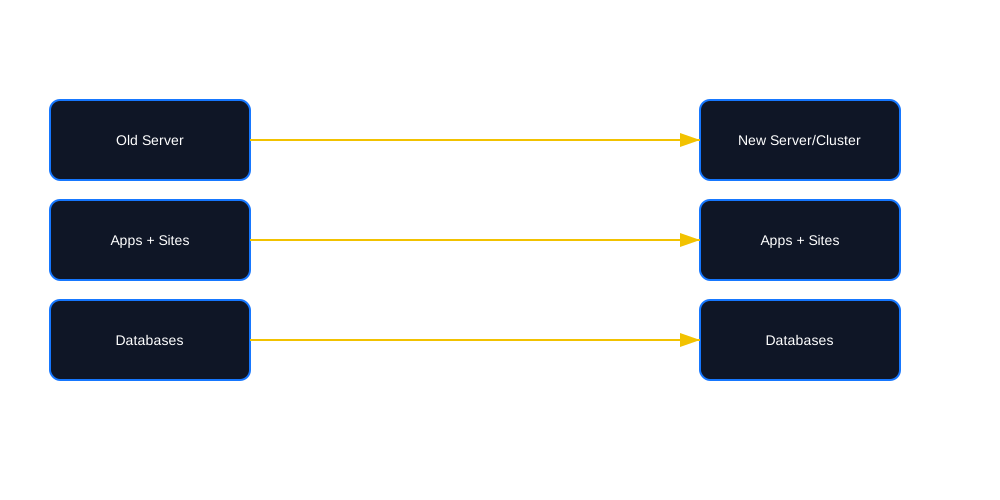
Tip: Add an architecture sketch or checklist screenshot for credibility.
Our 8‑Step Migration Plan
Review Current Setup
We inventory your current infrastructure—apps, sites, databases, services, DNS, SSL, cron, queues, and integrations.
Plan
We meet to align goals and risks, choose target stack/versions, and define milestones and success criteria.
Server Setup
Provision and harden new servers/clusters. Install & configure software; mirror critical settings from the source.
First Sync
Initial data transfer (apps, sites, DBs, files, buckets). Validate integrity and permissions.
We Test
Functional checks, logs, health probes, synthetic tests, and performance spot checks.
You Test
You validate real flows only you know. We fix any issues surfaced during UAT.
Double Test
We re‑review logs and metrics after your testing to catch edge cases before launch.
Last Sync & Go‑Live
Final delta sync, maintenance window, DNS cutover, cache warmup, and hypercare.
What’s Included
Install & Configuration
Data & App Moves
Cutover & Validation
Need something special? We’ll tailor the plan to your stack and risk tolerance.
Risk Controls
Rollback Plan
Common Questions
How much downtime will there be?
Our goal is zero or near‑zero downtime using a final delta sync and fast DNS cutover. For write‑heavy apps, we coordinate a brief maintenance window.
Can you migrate WordPress and custom apps?
Yes—WordPress, PHP apps, Node services, and more. We align PHP/DB versions and extensions to match your app’s requirements.
Do you handle email and DNS?
Yes—MX, SPF/DKIM/DMARC, DNS zones, and registrar coordination when needed.
Do you provide monitoring after cutover?
Yes—Zabbix monitoring with tuned alerts is available as Self or Managed Monitoring.
Ready to Move Without the Mess?
Tell us your current stack and target destination. We’ll propose a plan with timeline, risks, and cost.
Whether you are just moving to a different hosting provider, or upgrading your current server, we can help to make sure it is a smooth transition. Our team will work with you and guide you every step of the way to make sure everything is accounted for, and your upgrade is a success.
8 steps
- Review Current Setup – We take a look at your current setup to get an idea of what you have setup with your current infrastructure.
- Plan – We will have a meeting with you to discuss what we see and what your goals are moving forward. This will help determine the solution that best fits your needs and identify any possible obstacles that may need to be addressed.
- Server Setup – Once you have a new server or cluster, we get the new server ready for your needs. This includes installing and configuring software as well as matching settings from the old system on the new system.
- First Sync – We move all of your data to the new server. This includes any applications, websites and databases you may have within your system.
- We Test – We go through the sites and applications to verify that things are working as a user would see it. We check logs and verify everything is working as expected.
- You Test – While we do, do some testing, we are not always able to test everything. You know your site better than anyone else, so testing your sites to ensure things are as they were is imperative to a successful launch. If there are any issues that arise, we can help to resolve those issues.
- Double Test – After you have confirmed everything is as it should be, we do one more run through the logs to make sure that nothing was triggered in your testing that may not have been obvious from your point of view.
- Last Sync – Once we are sure everything is good we can plan and schedule the final sync of your migration. This will sync all data from the old server to the new server 1 last time and the DNS is changed to “Go Live ” on your new setup.